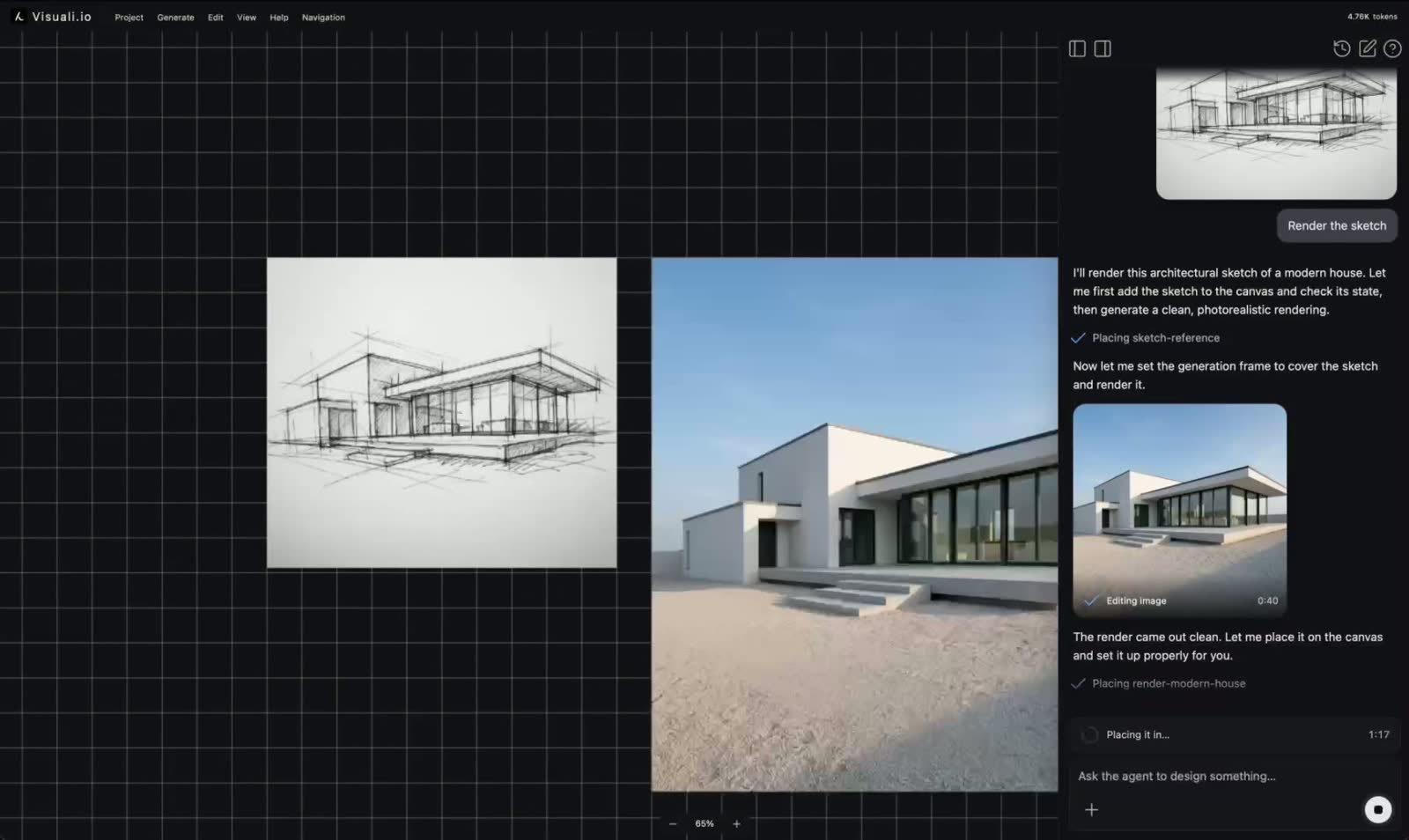
The Visuali editor now has an AI agent
A chat that works on your canvas: it generates, edits, and builds full layouts. In beta, on every plan.
Visuali turns generative AI into a tool you can direct. You begin with a prompt, then shape the result on an infinite canvas, with the precision designers expect from professional software.
It is built for designers, artists, illustrators, art directors, product and brand teams, architects, and studios. The canvas is non-destructive, so every generation and edit stays editable, and you can keep revising for as long as the idea keeps moving.
Visuali runs in any browser, on desktop, tablet, and phone, with nothing to download. You can also install it as an app: add it to your home screen on mobile, or install it on desktop. It opens in its own full-screen window and launches in one tap, like any native app.
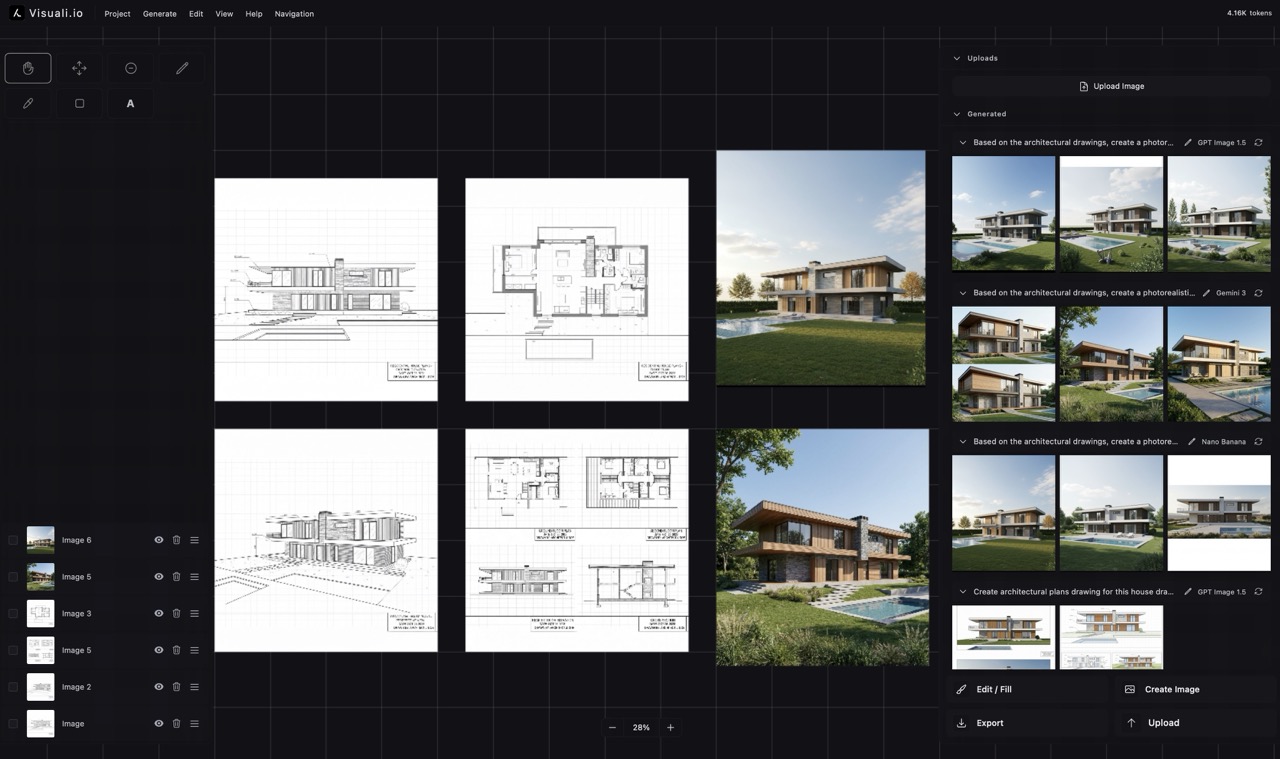
Write what you want to do. Upload images for reference. It will do the work for you on the canvas. The agent can generate, edit images, add text, create shapes, icons and much more. Go from creating just images to entire documents, moodboards, and plans.
Write the brief once and let the agent work on its own. Ask it for a full campaign, the same product in ten variations, or every size you need for a launch. It keeps going until the whole set is laid out on the canvas, ready for you to pick from and edit.
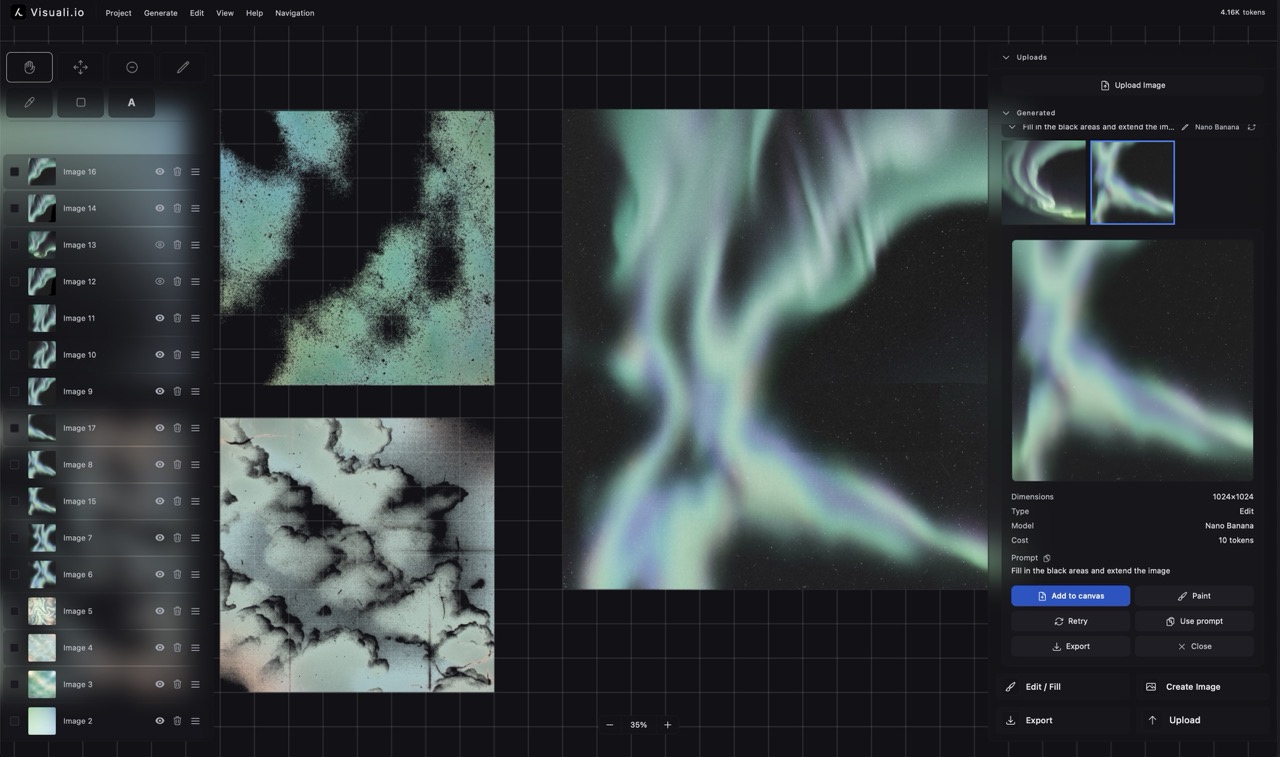
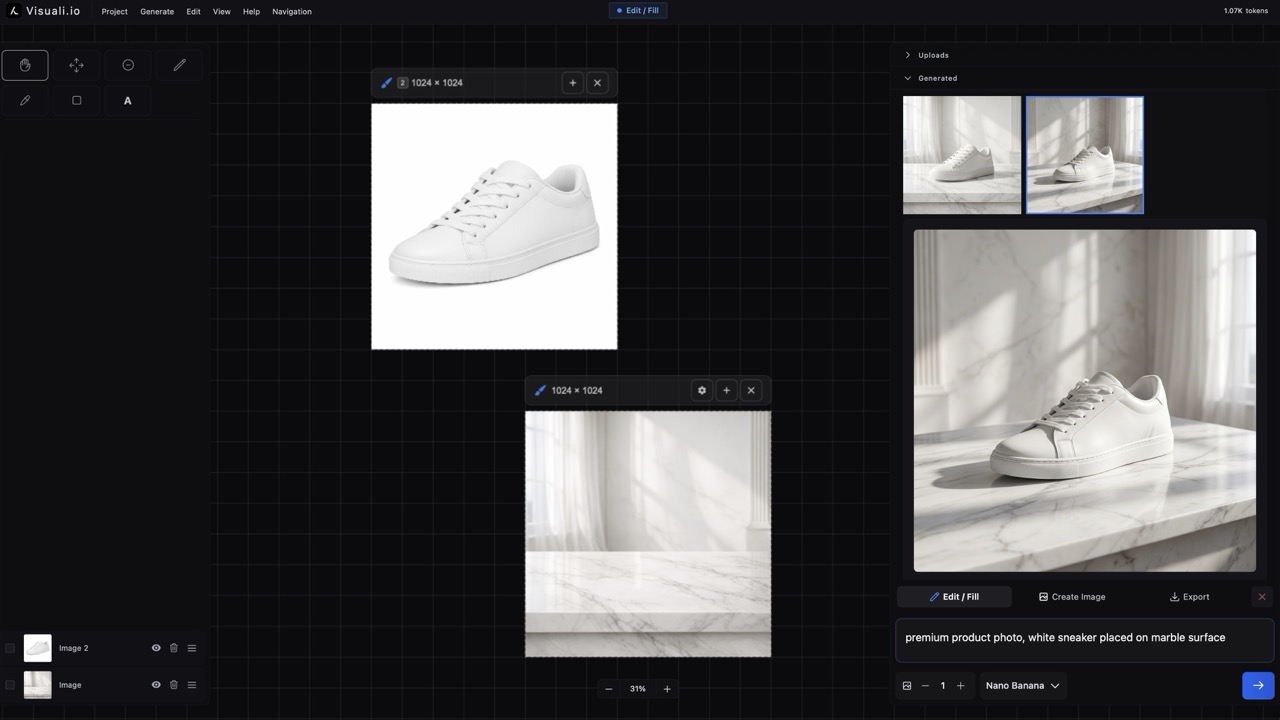
Create on an infinite canvas with all the tools you need. Generate and edit images with full inpainting and outpainting capabilities. Every layer is editable. You have full control over every element. Draw, add text, shapes and more. Use multiple images as inputs and the canvas as a moodboard to arrange it all.
Create images from text with the best AI models available, all in one place.
Erase and replace elements, or expand in any direction without boundaries.
Learn more about Fill & ExtendUse several reference images at once. Every selected image becomes context.
Learn more about Multiple InputsPhone, tablet, laptop, desktop. Visuali runs in any browser, and you can add it to your home screen or desktop for a full-screen app.
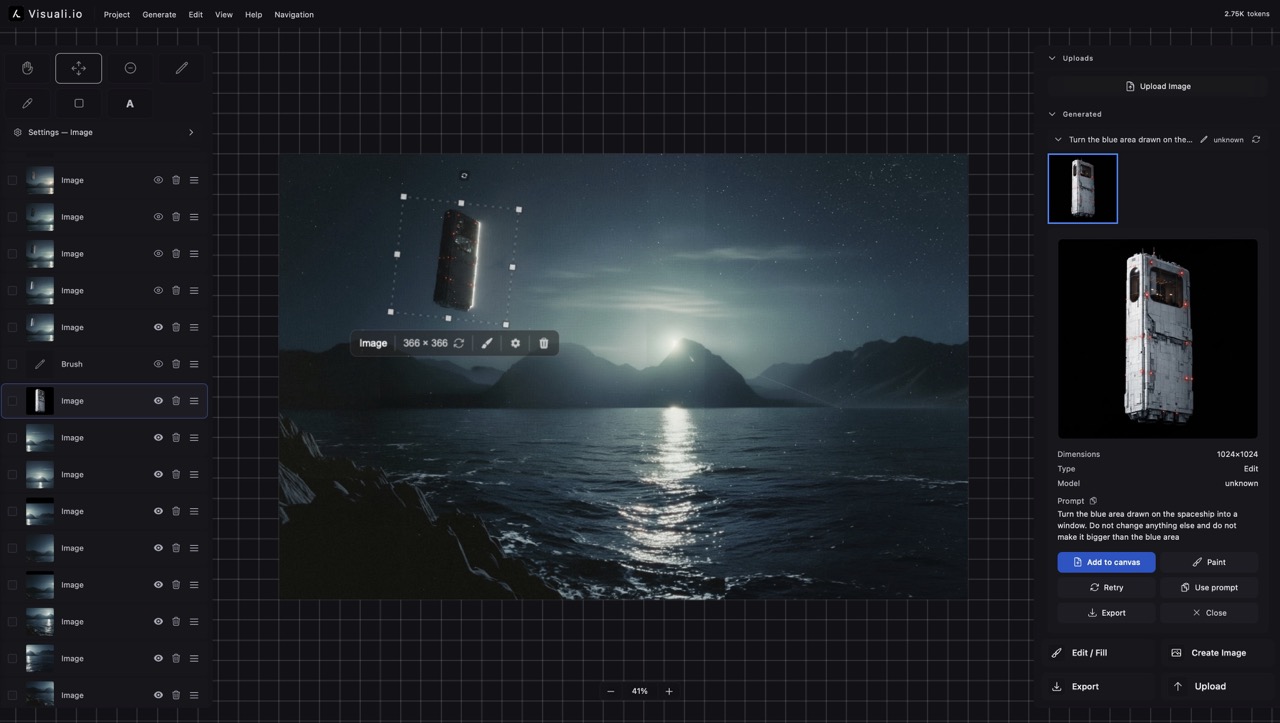
Giving you full control
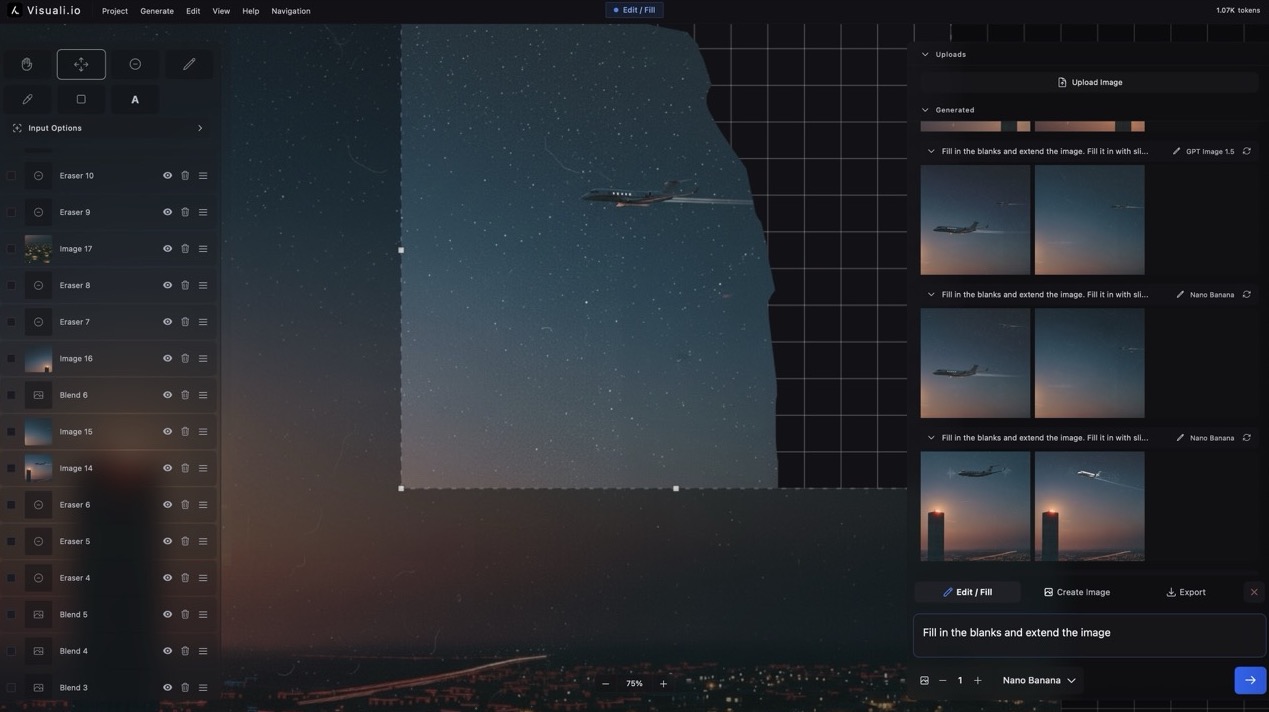
With unlimited possibilities
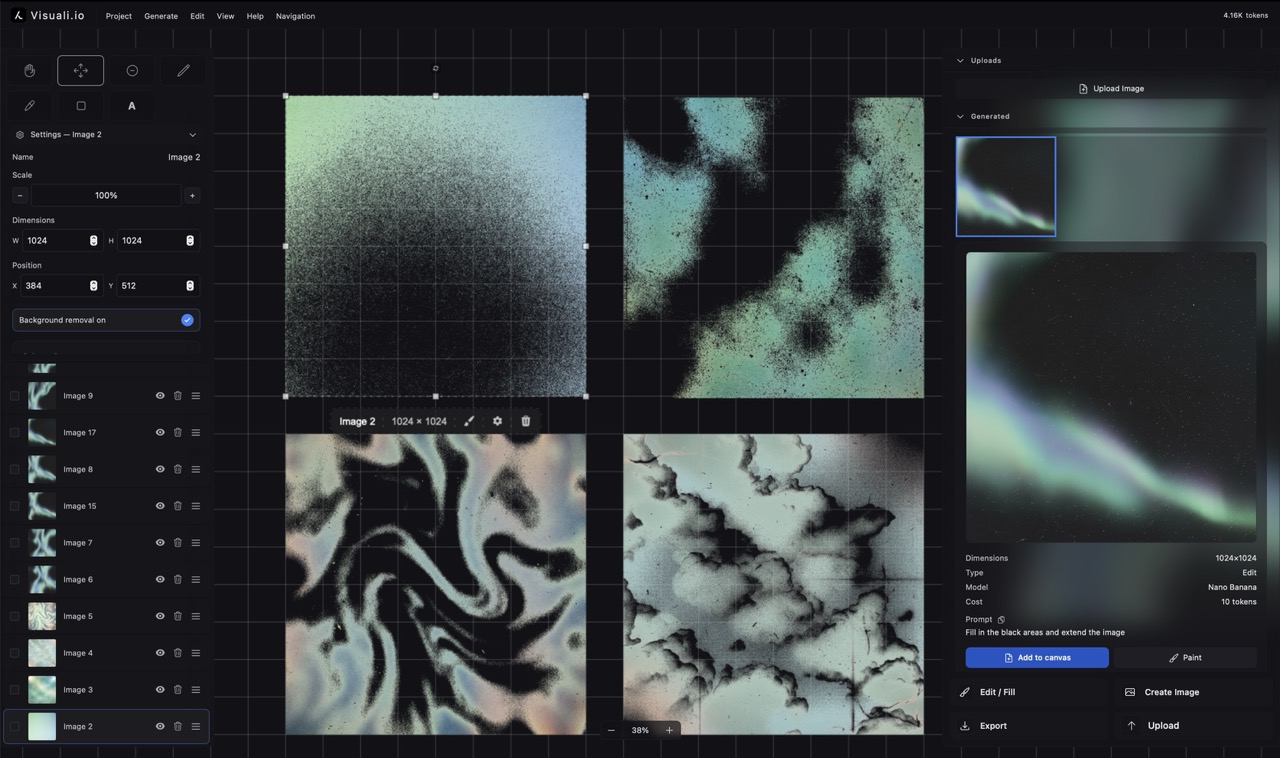
To keep your work organized
A chat that works on your canvas: it generates, edits, and builds full layouts. In beta, on every plan.
An upgraded layer system with groups, on-canvas text and drawing, multi-image editing, a redesigned export panel, and a full mobile experience.