Generate
Go from text to image
Go from idea to image in seconds. Write what you want to generate and Visuali will create the image for you using top AI image models.
Generate in the editor
- 1 Click Create Image in the editor.
- 2 Write your prompt, pick a model, choose how many images you want.
- 3 Press generate. Results land in your workspace in seconds.
- 4 Drag the ones you like onto the canvas and keep working.
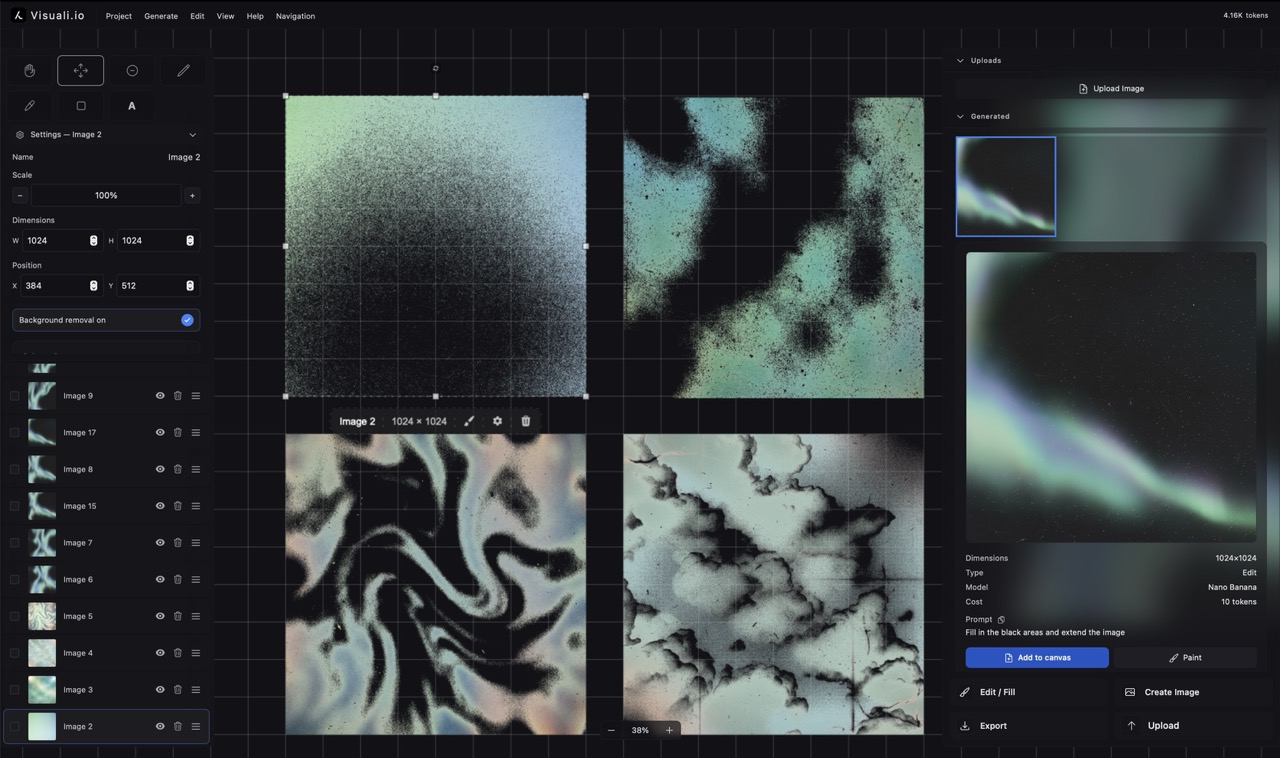
It all stays in your project
Everything you generate stays in the workspace. Drag results onto the canvas, layer them, edit them again, export when it's right.
Use top AI image models
Select between a selection of the best image models. Each one has its own benefits. Pick the one that fits your case and situation the best.
OpenAI's top model. Strong prompt following and clean text.
Google's latest. Sharp detail and dependable edits.
Google's pro tier for demanding, layered scenes.
Most of GPT Image 2's strength at a lower cost.
Detailed realism from Black Forest Labs.
Strong color and stylized looks.
The balanced Flux: quality at speed.
Quick edits and composites.
The open Flux, a solid daily workhorse.
The open classic with a huge style range.
Turbo generations for rapid iteration.
Drafts in about a second.
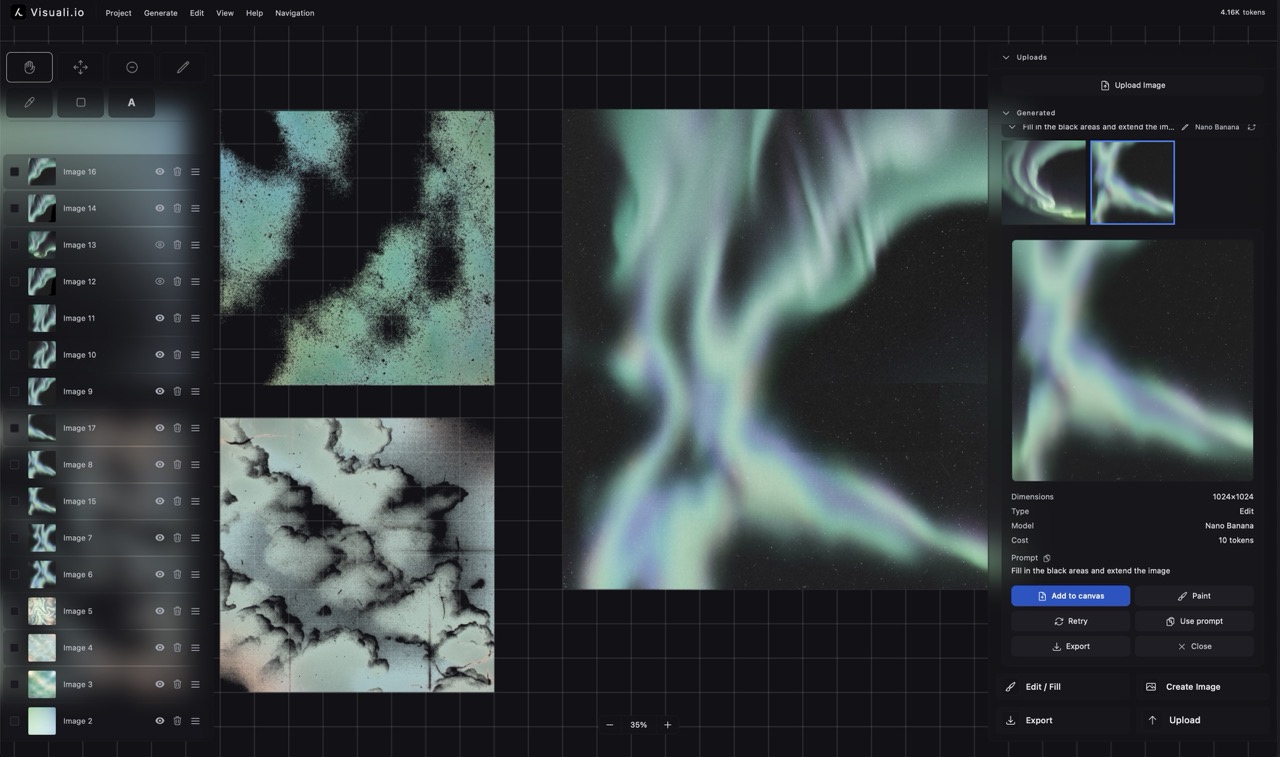
See it used for digital art
Generation in a real workflow, on a full canvas.
About Visuali
Visuali is an AI image workspace: an editor on an infinite canvas, and an agent that creates for you via the chat.
- Create on a canvas. A visual workspace
- Generate or upload images, describe or show what to edit, and expand in any direction without boundaries.
- Frontier AI models
- Create with the best AI models. Select from 10+ image models with stunning quality, resolution and speed.
- All the tools you need
- An infinite canvas with pan and zoom, drawing, text with multiple fonts, and full control over every layer.
- Use on any device
- Visuali works on desktop, tablets and mobile. It can be installed as an app and your projects are accessible across all devices.