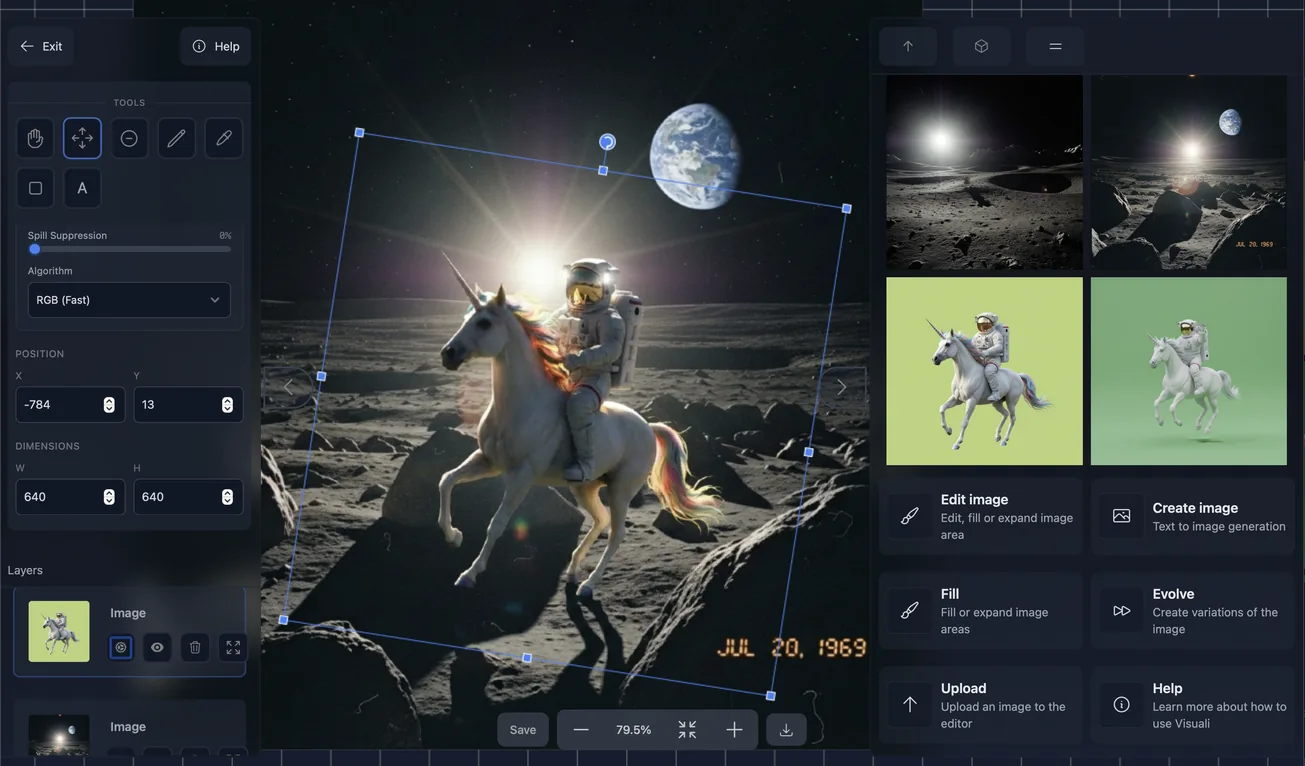
Digital art created with Visuali

AI Digital Art

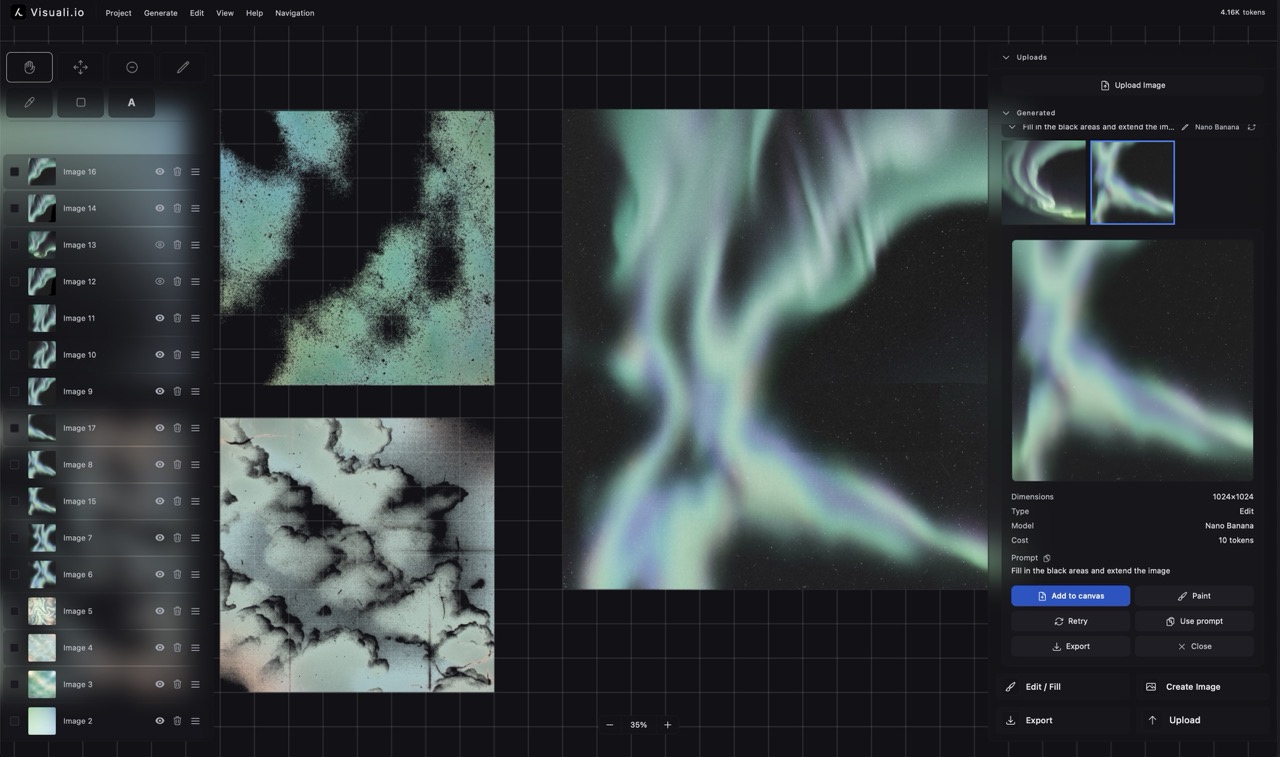
Artists want control over their work, not a chatbot that outputs finished images. Visuali gives you a full canvas where you generate, refine, blend, and expand artwork with AI and manual tools side by side.

The image above shows an artwork built on the Visuali canvas, with generated elements, manual refinements, and layers composited together. Everything from the initial generation to the final details was done in one workspace.

How it works

01

Generate a starting image

Write a text prompt describing the artwork you want, or upload your own piece as a starting point. Choose from over 10 AI models, each with a different visual style.

02

Refine with manual tools

Paint over areas with the brush, erase elements you don't want, add shapes or text. Every stroke becomes its own layer, so you can adjust or remove it later.

03

Edit with natural language

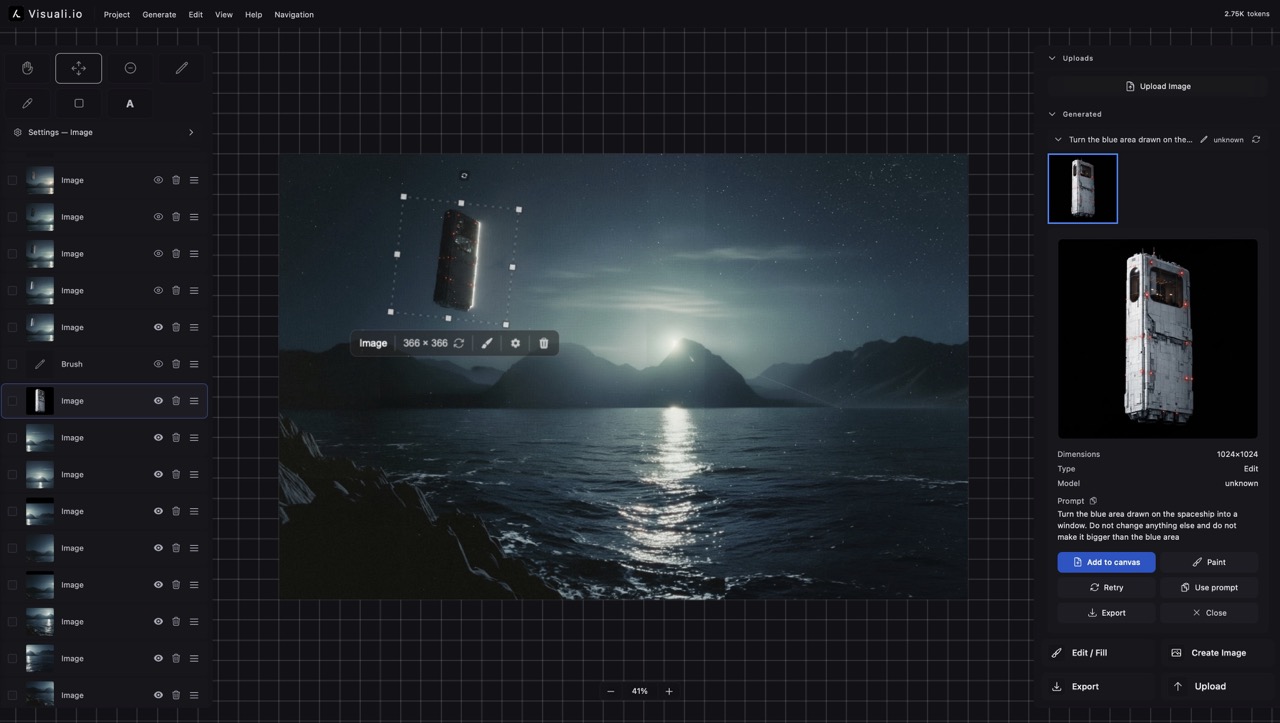
Select a region with the generation frame and describe what should change. The AI transforms only that area while keeping everything else intact.

04

Expand and compose

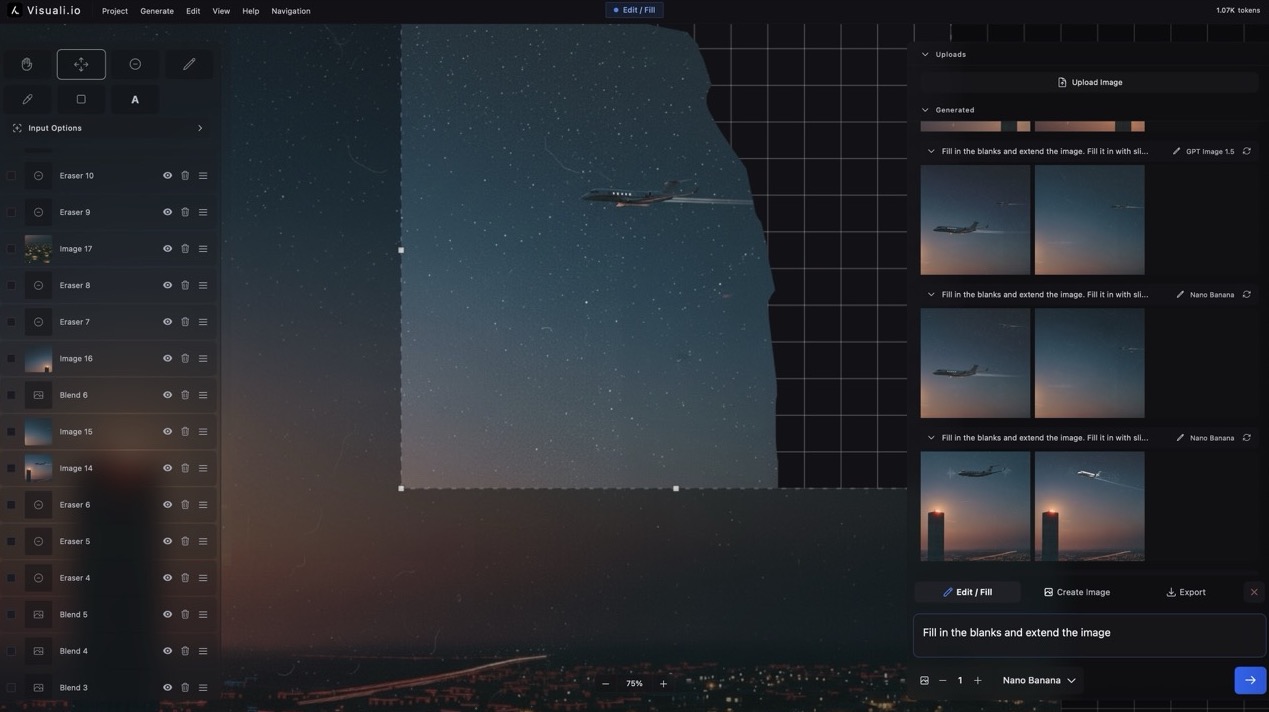
Drag the frame beyond the image edge and let the AI extend your artwork in any direction. Build larger compositions piece by piece on the infinite canvas.

Multiple AI models

Switch between fast draft models and premium photorealistic ones. Each handles style, detail, and abstraction differently.

Drawing and painting tools

Brush, eraser, shapes, text, and a color picker built directly into the workspace. Mix AI generation with hand-drawn elements.

Layer compositing

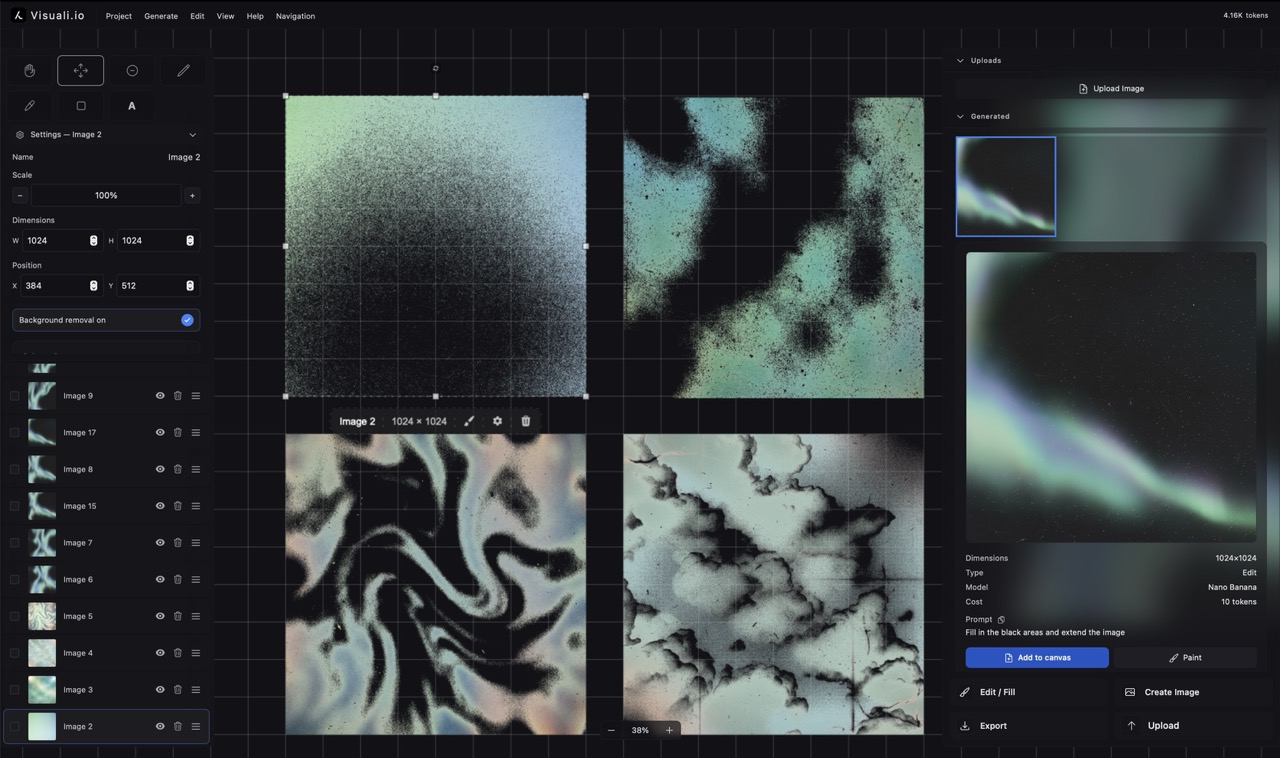
Every element sits on its own layer. Reorder, hide, or delete layers independently to build up complex compositions.

Infinite canvas

No fixed dimensions. Pan and zoom freely, arrange multiple artworks side by side, and expand in any direction.

Reference-based generation

Place up to 6 reference images on the canvas and use them as visual inputs. The AI blends style, color, and composition from all of them.

Outpainting

Extend any image beyond its original borders. Turn a small sketch into a full scene by expanding outward step by step.

Why it matters

Traditional AI image tools give you a single output from a single prompt. Visuali treats image creation as an iterative process. You build up artwork over time, combining generated elements with your own drawing, arranging references as mood boards, and refining until the result matches your vision.

Use cases

  • Concept art exploration with rapid iteration
  • Style transfer from multiple visual references
  • Building large compositions piece by piece
  • Combining AI generation with hand-drawn elements
  • Creating mood boards with generated and uploaded images
  • Experimenting with different AI models for unique aesthetics

Frequently asked questions

Can I combine AI generation with my own drawing?

Yes. The canvas includes brushes, erasers, shapes, and text tools alongside AI generation. Every stroke and generated image sits on its own layer, so you can mix and adjust them freely.

How many AI models are available?

Over 10 models, from fast drafts to premium photorealistic generators. You can switch between them at any time, even within the same project.

Related examples