AI Product Design
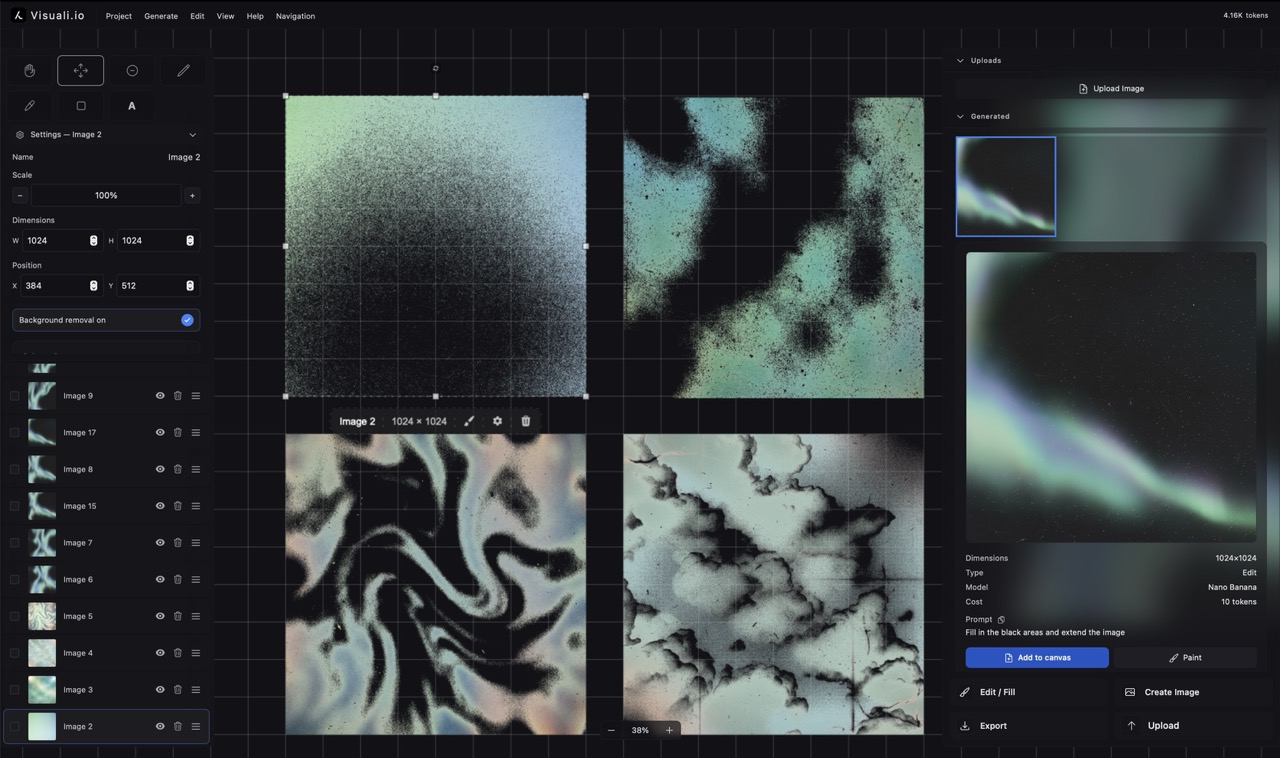
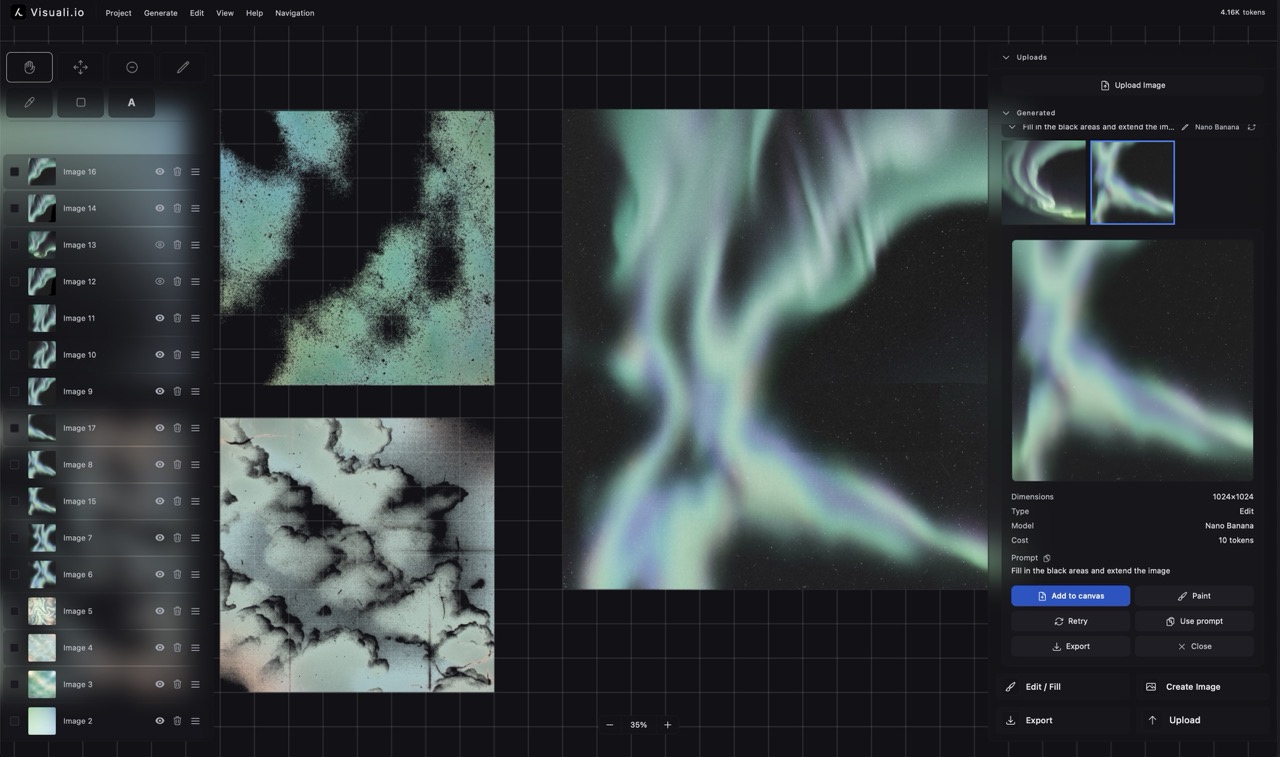
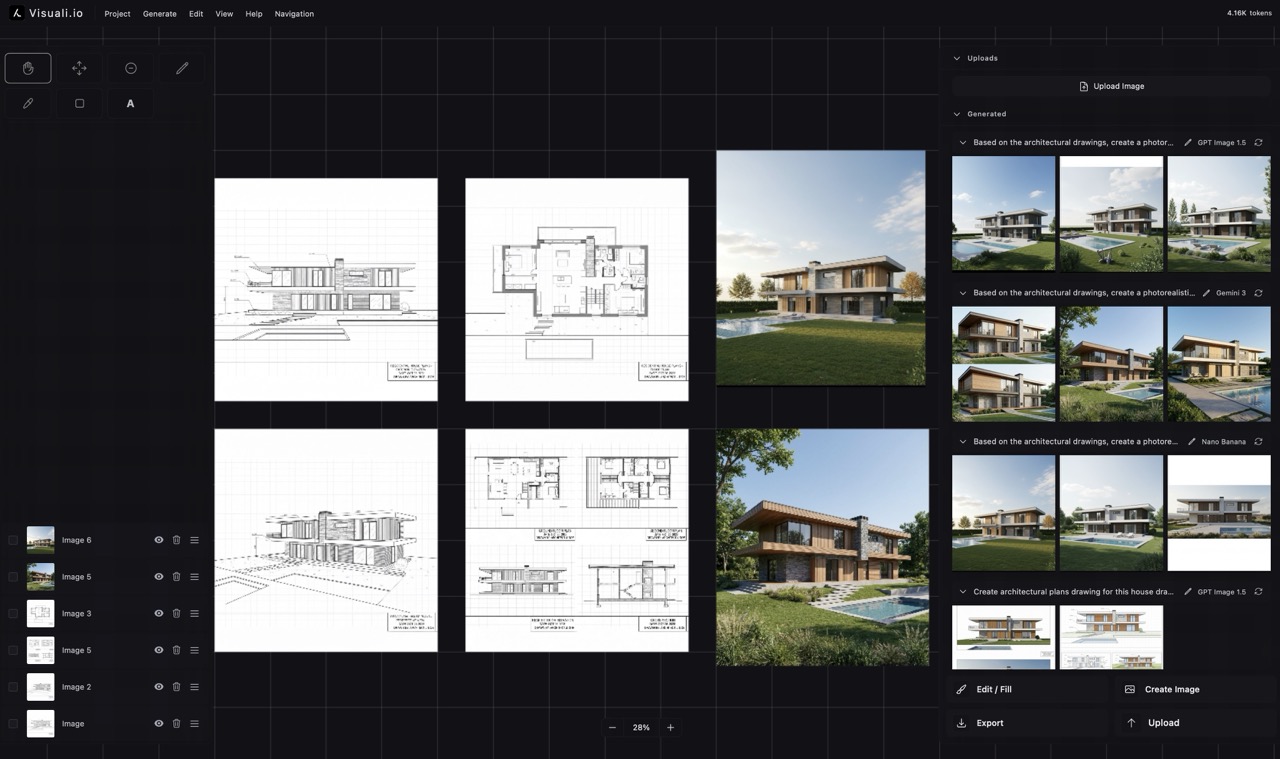
Going from a rough sketch to a polished product render usually means hours in 3D software. Visuali lets you upload a sketch, add material and color references, and generate realistic product visualizations directly on the canvas.
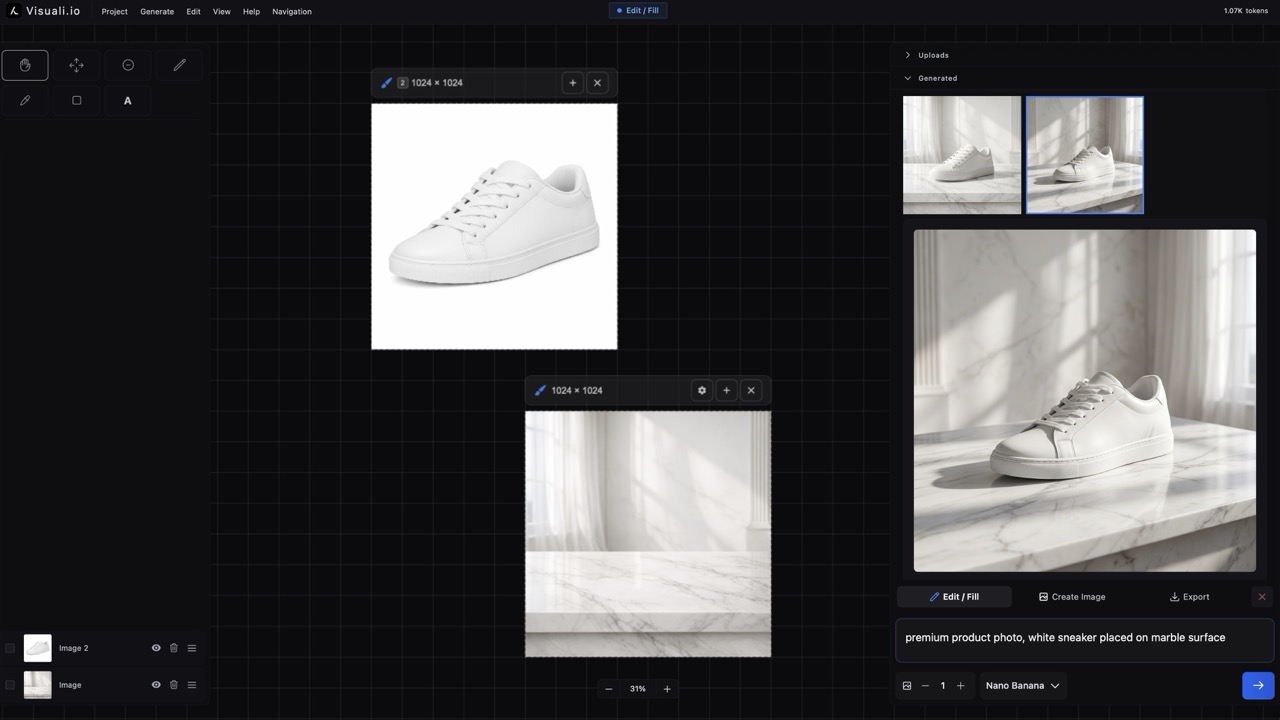
The image above shows a headphone sketch on the canvas alongside reference images for materials and colors. The generation frame captures everything, and the AI transforms the sketch into a photorealistic product render informed by the surrounding references.
How it works
Upload your sketch
Bring in a rough product sketch, or draw one directly on the canvas using the built-in drawing tools. It doesn't need to be polished.
Add references
Upload images of materials, finishes, colors, or existing products you want to draw inspiration from. Arrange them alongside your sketch on the canvas.
Frame and prompt
Position the generation frame over your sketch and references. Write a prompt describing the final product, such as 'photorealistic headphones with matte black finish and brushed aluminum accents'.
Generate and explore
The AI transforms your sketch and references into a product render. Try different prompts, swap material references, and generate variations to explore the design space.
Sketch to render
Turn rough hand-drawn or uploaded sketches into polished product visualizations. The AI interprets form and proportion from your drawing.
Material exploration
Swap reference images to explore different materials, finishes, and textures. Each generation reflects the updated visual context.
Side-by-side comparison
Generate multiple variations and lay them out on the infinite canvas. Compare options at a glance without switching between files.
Multiple references
Use up to 6 input images at once. Combine your sketch with material swatches, color palettes, and competing products as visual context.
Rapid iteration
Generate a new variation in seconds. Adjust the prompt, reposition references, or try a different AI model for a fresh perspective.
Presentation-ready export
Export renders at high resolution with custom backgrounds. Use transparent, white, or branded backgrounds for presentations and pitch decks.
Why it matters
Product design teams need to explore many options before committing to manufacturing. Visuali compresses the gap between a sketch and a visual concept, letting designers present realistic renders to stakeholders in minutes instead of days. The iterative workflow means you can test materials, colors, and forms rapidly without specialized 3D skills.
Use cases
- Concept visualization from early-stage sketches
- Material and finish exploration across variations
- Design review presentations with multiple options
- Rapid prototyping visualization before manufacturing
- Color and texture variation studies
- Client-facing concept boards with visual context
Frequently asked questions
Can I turn a hand-drawn sketch into a product render?
Yes. Upload a photo of your sketch or draw directly on the canvas. Add material and color references alongside it, and the AI generates a realistic product visualization.
Can I explore different materials and finishes?
Yes. Swap the reference images for different materials, colors, or textures and regenerate. Each variation takes seconds, letting you explore dozens of options quickly.